“We tend to use the right tool for the job, though you’ll find people in the industry who will champion specific tools as a one fit for all…the emphasis should be less on the tools and more the principles.”
Pete Abbot, Senior Designer at Redgate Software, NUA Graduate
There is a large and rapidly evolving ecosystem of software that UX/UI Designers use to build and test digital products, each with their own unique advantages and disadvantages.
However, many prototyping apps use similar conventions, are relatively easy to start working with, and can import each other’s files.
- Figma
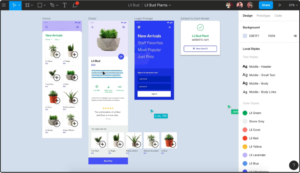 Figma is a design and prototyping app, free for students to use, which can run entirely in a web browser, or be downloaded as a desktop app for PC and Mac.
 - Invision Studio
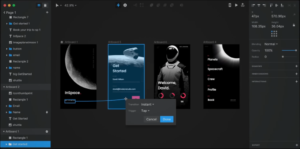 Invision Studio is a design and prototyping app with a powerful animation timeline feature, allowing designers fine control over the movement of elements on screens.
 - Sketch
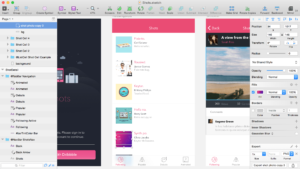 Sketch is a design and prototyping app. Available only for Mac, Sketch is one of the oldest and most established prototyping apps and has a large and loyal following. It has a huge library of plugins.
 - Adobe XD
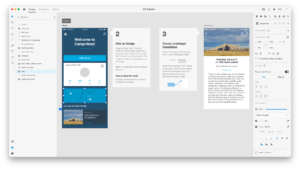 XD is Adobe’s app for design and prototyping. It integrates particularly well with the rest of the Adobe suite. Designs can be easily be exported directly to After Effects.
 - Axure RP
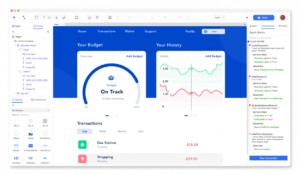 Axure RP is a design and prototyping app which is able to use real form inputs, data, variables and logic to create very realistic prototype app and website experiences.
 - Framer
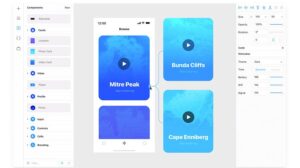 Framer is a design and prototyping app which allows slick animation and complex realistic interactions with real form entry, data, and variables using the Javascript library React, which can be used to build fully functioning mobile apps.